 how-to
Is Clothing Size Data Secure? What You Need to Know
Table of Contents
- What Clothing Size Data Is Collected and Where It Goes
- How AI Body Scanning Privacy Works
- Understanding Your Body Scanning App Privacy Policy
- How AI Sizing Apps Use Photos: Data Flow and Storage
- Your Rights: How to Delete Body Scan Data
- Practical Security Checklist for Online Apparel Shopping
- Frequently Asked Questions
Last Updated: October 11, 2026
What Clothing Size Data Is Collected and Where It Goes
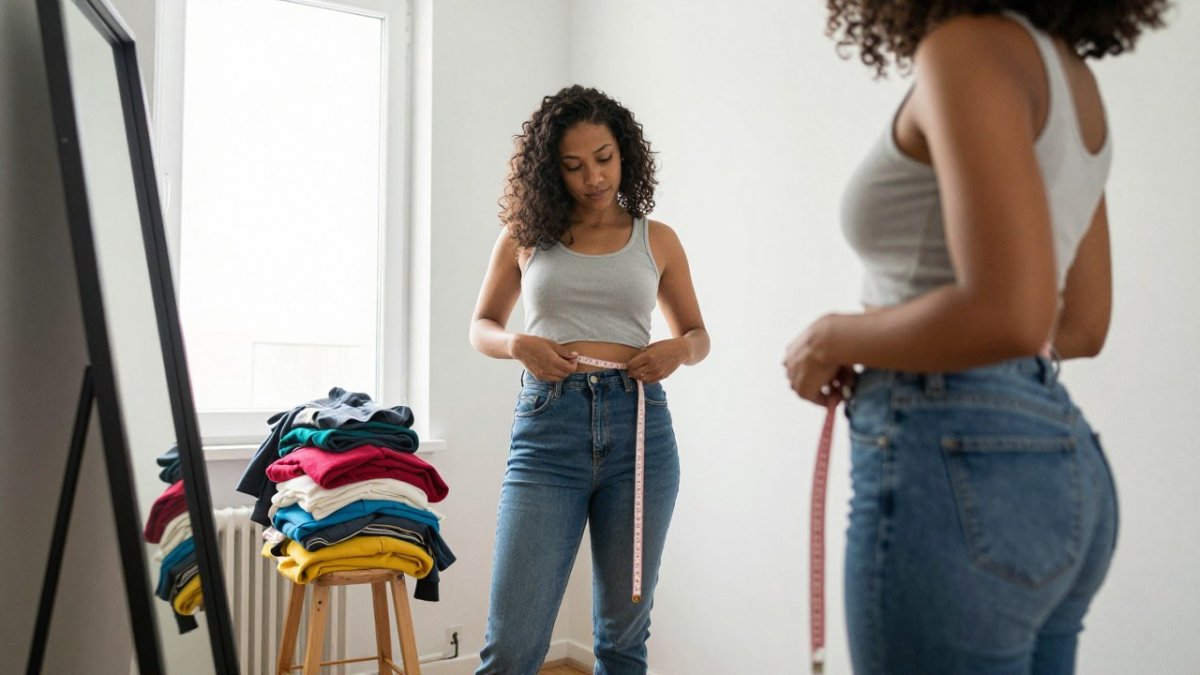
When you upload a full-body photo to a sizing app, you're sharing body measurements, dimensions, shopping history, brand preferences, and fit feedback, data that must be kept secure, which is why understanding how clothing size data secure practices work is essential. The critical question is where your data goes: some apps store it on their own servers, others share it with third parties like retailers or data analytics companies, and some use cloud services in countries with varying privacy standards. Understanding what data is collected and how it's stored is essential to protecting your privacy.
How AI Body Scanning Privacy Works
AI body scanning analyzes your photo to extract measurements, identifies key body points, compares them to brand sizing data, and generates a recommendation. The critical variable is what happens next: some apps delete your photo immediately after analysis, others keep it indefinitely, some encrypt stored data, and others don't.
When you use a sizing app, you're trusting it to handle sensitive biometric information responsibly. Body measurements are personal data. They can reveal your weight, body shape, and physical characteristics. If that data is breached or sold, it could be misused.
The FTC's guidance on biometric data collection emphasizes that companies must be transparent about how they collect and use this information. But transparency alone doesn't guarantee security.
Understanding Your Body Scanning App Privacy Policy
A privacy policy tells you exactly what you're agreeing to, but only if you know what to look for.
Look for these specific details in any sizing app's privacy policy:
- Data deletion timeline: Strong policies commit to specific timeframes (e.g., "all photos are deleted within 24 hours of analysis"). Vague language like "may be retained" or "as needed" is a red flag.
- Encryption: Look for "TLS 1.2 or higher" for data in transit and "AES-256 encryption" for data at rest. Absence of encryption mention is a serious gap.
- Access controls: Strong policies limit access to specific teams (e.g., "only engineering and data security personnel"). Broad "business purposes" access is weaker.
- Third-party sharing: Policies should explicitly state whether data is shared with retailers, data brokers, or analytics firms.
- Data retention limits: Strong policies state a specific period (e.g., "deleted within 30 days of account closure").
- Vendor security requirements: If using cloud storage, the policy should require vendors to meet SOC 2 Type II certification or ISO 27001 compliance.
- Breach notification: Strong policies commit to notifying you within a specific timeline (e.g., "within 30 days").
- Your rights: Policies should explain how to request access, correct inaccuracies, or request deletion, typically within 30 days under GDPR, CCPA, and similar laws.
Red flags in privacy policies:
"May share" instead of "do not share" gives the company flexibility to monetize your data later. "In certain circumstances" or "as required by law" is vague. "Anonymized data" sounds safer but is often reversible; a breach could re-identify you if photos are stored alongside measurements. "For improving our services" is broad enough to justify almost any use.
How to verify policy claims:
- Check for third-party audits: Reputable companies publish SOC 2 Type II audit summaries or security whitepapers.
- Look for privacy certifications: Verify badges from organizations like TRUSTe or Privacy Shield on the issuing organization's website.
- Search for breach history: Use Have I Been Pwned (haveibeenpwned.com) to check for known breaches and review public disclosures.
- Read user reviews on privacy: Check app store reviews and privacy-focused forums (e.g., Reddit's r/privacy) for complaints about data practices.
- Request the data processing agreement: Ask for the DPA, which outlines exactly how your data is handled.
Many sizing apps are intentionally vague to monetize your data later, selling anonymized measurements to brands, using data to train AI models, or sharing with marketing firms. A strong privacy policy removes that ambiguity by committing to specific practices upfront.
How AI Sizing Apps Use Photos: Data Flow and Storage
Your photo travels through several systems before you get a sizing recommendation.
Encryption and transmission security:
The most secure apps use end-to-end encryption, scrambling your photo before it leaves your phone. Some apps process everything locally on your phone, never sending the full photo to servers, your measurements are calculated on your device and only the final recommendation is sent back. This is the most private approach.
Storage duration and data retention:
Storage duration matters significantly. An app that deletes your photo after 24 hours poses less risk than one that stores it indefinitely. Indefinite storage creates a larger target for hackers and increases breach risk. When evaluating an app, ask: Are photos deleted immediately after analysis? If stored, for how long? Can you request deletion at any time?
Evaluating third-party sizing tools used by retailers:
Many retailers partner with third-party AI companies for sizing recommendations, adding complexity: your data may flow to a vendor outside the retailer's direct control.
Red flags in third-party sizing arrangements:
- The retailer can't name the sizing vendor or won't disclose the relationship
- The vendor's privacy policy is vague about data retention or third-party sharing
- The vendor claims the right to use your biometric data for "research" or "model improvement" without explicit consent
- The retailer has no documented security agreement with the vendor
- The vendor stores data in countries with weak privacy laws and no data protection agreements in place
- User reviews mention unexpected data sharing or difficulty deleting data
Practical steps:
Before uploading your photo to a retailer's sizing tool, check whether it's a first-party tool (built by the retailer) or third-party (provided by a vendor). If it's third-party, email the retailer's customer service with this request:
"I'm interested in using your sizing tool, but I want to understand how my data is protected. Can you confirm: (1) the name of your sizing vendor, (2) where my photos and measurements are stored, (3) how long they are retained, and (4) whether my data is used for purposes beyond providing sizing recommendations?"
If the retailer can't or won't answer these questions, consider using a different retailer or sizing app where you have more transparency.
Your Rights: How to Delete Body Scan Data
You have legal rights regarding your body scan data in most jurisdictions. In many regions, privacy laws give you the right to access, correct, and delete your personal information.
If you want to delete your data from a sizing app, here's what to do:
- Open the app and locate the privacy or settings section
- Look for options labeled "Data Management," "Privacy," or "Delete My Data"
- Request deletion of your photos, measurements, and profile
- Ask for confirmation that deletion is complete
- Check your email for a confirmation message
Some apps make deletion easy. Others bury the option or require you to contact customer support. If the app doesn't provide a self-service deletion option, email their support team with a clear request: "Please delete all of my personal data, including photos and measurements, from your system."
In many countries, companies must comply with deletion requests within 30 days. Keep documentation of your request in case you need to follow up.
Beyond deletion, you also have the right to know what data the company holds about you. You can request a copy of your personal data file. This shows you exactly what the app has collected and stored.
Some apps let you download your data directly from your account settings. Others require a formal data subject access request. Either way, companies are legally required to provide this information.
The European Union's GDPR framework established these rights, and many other countries have adopted similar protections.
Practical Security Checklist for Online Apparel Shopping
Before you upload your body measurements to any sizing app, run through this security checklist. These steps help you minimize risk and protect your privacy.
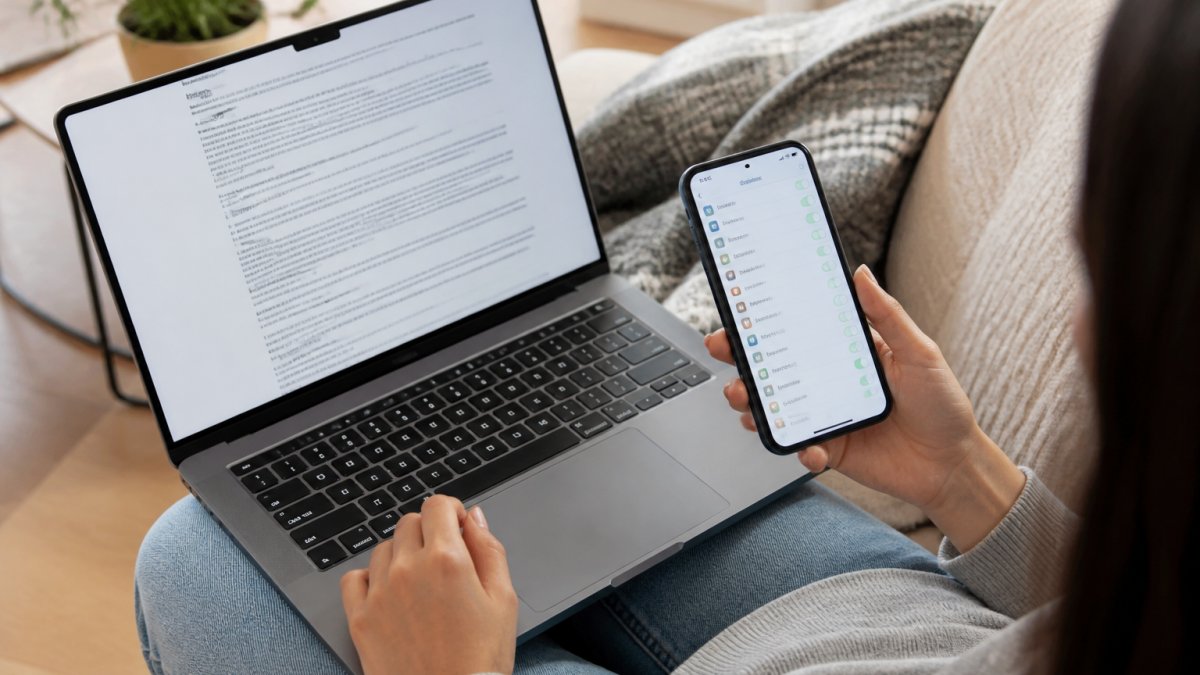
Before uploading:
- Read the privacy policy completely
- Verify the app uses encryption for data transmission
- Check whether photos are deleted after analysis
- Confirm the company doesn't sell data to third parties
- Look for a clear data deletion process
- Verify the app has a privacy certification or audit
- Check user reviews for privacy complaints
- Review the app's permissions (camera, location, contacts)
When uploading:
- Use a secure internet connection (not public WiFi)
- Wear neutral clothing that shows your body shape clearly
- Take photos in good lighting from multiple angles
- Avoid uploading photos with identifying details (face, tattoos, birthmarks)
- Don't include personal information in the photo metadata
After uploading:
- Delete the photos from your phone's camera roll
- Request confirmation that your data was processed
- Check your account settings for data retention options
- Set a reminder to delete your account if you stop using the app
- Monitor your email for any data breach notifications
A common mistake is uploading photos that include your face or unique identifying features. If the app's database is breached, someone could match your photo to your identity. Use full-body photos that show your measurements but protect your identity.
Another frequent oversight is using the app on public WiFi. Unencrypted connections make it easy for hackers to intercept your data. Always use a secure, password-protected network when uploading sensitive biometric information.
Many people forget to delete their account when they stop using an app. If you're no longer using a sizing tool, request complete account deletion. This removes your data from the company's servers and reduces your long-term exposure.
Finding your perfect fit shouldn't mean compromising your privacy, especially when clothing size data secure handling is critical to protecting your personal information. When you're shopping online and sizing feels uncertain, tools like Fit Perfect AI help you get accurate recommendations while keeping your data secure.
Frequently Asked Questions
Is it safe to upload a full-body photo to find my clothing size?
Safety depends on the app's privacy practices. Reputable sizing platforms encrypt photos during upload and transmission, then delete them after processing. Before uploading, check the app's privacy policy for data retention periods, encryption standards, and whether photos are shared with third parties. Avoid apps that store images indefinitely or lack clear data protection statements. Many legitimate sizing tools process photos locally on your device rather than sending them to servers, which adds an extra layer of protection to your clothing size data.
What should I check in a clothing app's privacy policy?
Look for: (1) How long photos and body measurements are retained; (2) Whether data is encrypted during storage and transmission; (3) If sizing information is shared with retailers, advertisers, or third parties; (4) Your rights to access, correct, or delete your data; (5) Whether the app uses your measurements for purposes beyond fit recommendations. Legitimate apps clearly state they do not sell clothing size data to marketers. If a privacy policy is vague, unclear, or buried behind multiple clicks, that's a red flag about how seriously the company treats your personal data.
Can I delete my body measurements from a sizing app?
Yes, most compliant apps allow you to request deletion of your body scan data. Look for a 'Delete Account' or 'Request Data Deletion' option in your account settings, or contact the app's support team directly. Under privacy laws like GDPR and CCPA, companies must delete your personal data upon request within a specified timeframe (typically 30 days). Keep records of your deletion request and follow up if you don't receive confirmation. Some apps may retain anonymized data for quality improvement, but they cannot keep identifiable body measurements or photos linked to your account after deletion.
How do AI sizing apps use photos differently than traditional size charts?
Traditional size charts rely on you manually measuring yourself and comparing numbers to a table, which introduces human error and assumes consistency across brands. AI sizing apps analyze full-body photos to extract precise measurements, account for body shape variations, and compare your dimensions against each brand's specific fit model. The trade-off is that apps collect and process your body data, whereas size charts only use the measurements you voluntarily enter. Reputable AI sizing tools use this data solely for fit recommendations and delete photos after processing, protecting your clothing size data from broader misuse.